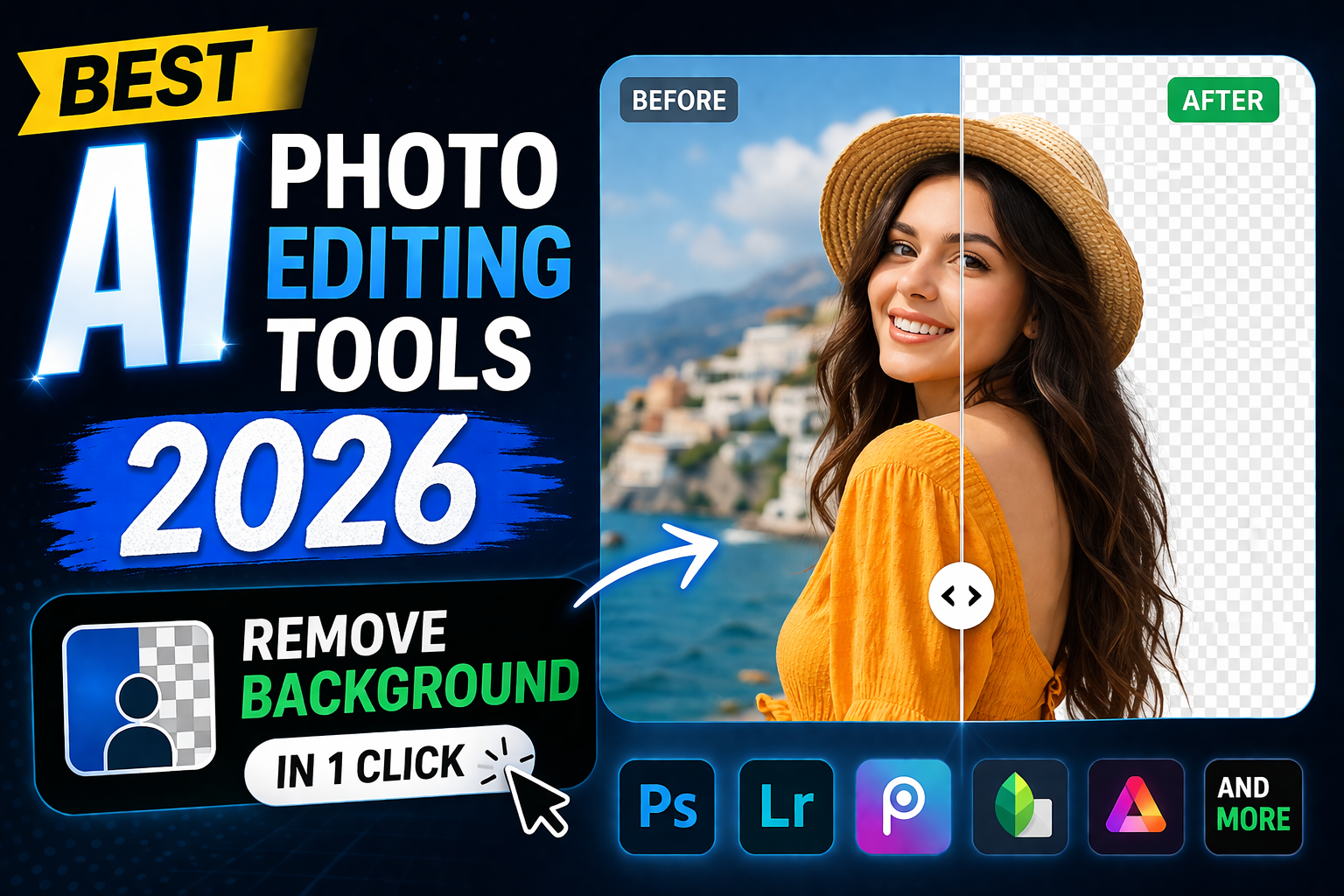
Photoshop aur Lightroom seekhne mein mahino lag jate hain. Lekin ab AI photo editing tools se 5 second mein background remove, photo enhance, unwanted objects delete, aur text-to-image generate ho jata hai.
2026 mein Best AI Photo Editing Tools har blogger, YouTuber, Instagram creator, aur e-commerce seller ke liye zaroori Best AI Photo Editing Tools ban gaye hain. Manual editing ka zamana khatam.
Is guide mein 2026 ke 3 best Best AI Photo Editing Tools photo editing tools ka honest comparison hai. Teeno ke free trial hain, paid plans hain, aur real-world performance test ki hai.
## Quick Comparison – Best AI Photo Editing Tools 2026
| Rank | Tool | Monthly Cost | Free Trial | Best AI Feature | Ideal For |
| — | — | — |
| **#1** | **Canva Pro** | **$12.99** | **30 Days Full Access** | **BG Remover + Magic Edit** | **Bloggers, YouTubers, Teams** |
| **#2** | **Adobe Firefly** | $4.99 | 25 Credits/Month | Generative Fill | Photoshop Users |
| **#3** | **Fotor AI** | $8.99 | Limited Free Plan | 1-Tap Photo Enhance | Beginners, Casual Use |
## 1. Canva Pro – Best All-in-One AI Photo Editor 2026
**Cost**: $12.99 per month [Try Canva Pro Free for 30 Days](https://www.canva.com/pro/)
### **Top 5 AI Features Jo Game Change Karte Hain**
**1. Background Remover**: Kisi bhi photo ka background 1 click mein hatao. Balon ki cutting, glass ki transparency, tree ki leaves – sab perfect cut hota hai. Photoshop mein yahi kaam 20 minute leta hai.
**2. Magic Edit**: Brush tool se koi bhi object select karo. Phir likho “change shirt color to red” ya “add snow mountains behind”. Best AI Photo Editing Tools 10 second mein kar dega. Prompt example: “replace sky with sunset”.
**3. Magic Eraser**: Photo se tourists, wires, text, watermark, ya dust spots hatao. Area select karo, AI khud background fill kar dega. No clone stamp needed.
**4. Magic Expand**: Photo choti hai? Instagram story pe fit nahi ho rahi? Border select karo, “Expand” dabao. AI khud side mein matching background generate kar dega.
**5. Text to Image**: Likho “Pakistani gamer sitting with RGB setup, neon lights, 4K” – AI 4 different images bana dega. Commercial use allowed hai Canva Pro mein.
### **Real-World Use Cases for Pakistani Users**
**Bloggers on 10most.net**: Hosting review ki featured image chahiye? Stock server photo lo, background remove karo, gradient purple background lagao, “BestBest AI Photo Editing Tools $4 Hosting” text add karo. Total time: 2 minute. Photoshop mein 40 minute lagte.
**YouTube Thumbnail**: Apni selfie upload karo, background hata ke “Minecraft Gaming Setup” template pe lagao. Magic Edit se “add fire effect around logo” likho. CTR 8% se 15% ho jayega.
**Daraz/E-commerce Sellers**: 100 product photos hain? Sab ka white background 1 click mein. Batch edit se 100 photos 15 minute mein ready. Pehle ye kaam Rs 5000 mein designer se karwana parta tha.
**Students/Assignments**: Presentation ke liye diagram chahiye? Text-to-image mein “network diagram of cloud server” likho. Best AI Photo Editing Tools bana dega.
### **Canva Pro vs Free – Kya Farq Hai?**
| Feature | Canva Free | Canva Pro $12.99 |
| — | — |
| **Background Remover** | Lock hai | Unlimited use |
| **Magic Resize** | Nahi hai | Design 1-click mein 20 sizes mein |
| **Premium Templates** | 250,000+ | 1 Million+ |
| **Cloud Storage** | 5GB khatam ho jayega | 1TB = 500,000 photos |
| **Brand Kit** | 1 brand ke colors | 100 brands save kar sakte ho |
| **Remove Watermark** | Nahi | |
| **Premium Elements** | Limited | 100 Million+ photos, videos, audio |
**Verdict**: Agar mahine mein 5 se zyada images banate ho to Pro le lo. Background remover akela hi Rs 3600 mahina ki value deta hai.
**Key Benefits**:
– 30 din full free trial – card add karna parta hai lekin cancel kar do to charge nahi
– Mobile app hai iPhone/Android – phone pe bhi sab Best AI Photo Editing Tools chalte hain
– Urdu text support – thumbnails pe Urdu likh sakte ho
– Team feature – 5 log ek saath ek design pe kaam kar sakte hain
– JazzCash/Easypaisa se payment ho jati hai Pakistan mein
**Limitations**:
– $12.99 = Rs 3600 monthly – agar kabhi kabhar use karna hai to expensive lagega
– Internet chahiye – offline nahi chalta Photoshop ki tarah
## 2. Adobe Firefly – Best for Existing Photoshop Users
**Cost**: $4.99 per month for 100 generative credits
**Details**: Ye Adobe ka AI hai jo Photoshop ke andar “Generative Fill” ban ke aata hai. Photo ka koi part select karo, likho “add a cat” ya “extend the beach”. AI bana dega.
**Best For**: Jo pehle se Photoshop monthly $20 pay kar rahe hain. Unke liye $4.99 extra mein AI mil jata hai.
**Pros**: Adobe quality sabse best hai, commercial safe hai
**Cons**: Sirf 100 images per month. Canva unlimited deta hai. Photoshop seekhna parta hai jo mushkil hai.
## 3. Fotor AI – Best Free Option for Beginners
**Cost**: Free plan hai lekin watermark aata hai. Pro $8.99/month
**Details**: “1-Tap Enhance” button dabao – dark photo bright, blur sharp, colors vibrant ho jate hain. AI Skin Retouch se face smooth hota hai.
**Best For**: Students ya casual users jo paisa nahi kharchna chahte. Free plan se 10 photos edit kar sakte ho watermark ke saath.
**Pros**: Free hai, account nahi chahiye, browser mein chalta hai
**Cons**: $8.99 mein features kam hain. Canva $12.99 mein 10x zyada deta hai.
## Step-by-Step: Canva AI Se YouTube Thumbnail Banane Ka Tarika
**Step 1**: Canva.com pe jao → “YouTube Thumbnail” template search karo → 1280×720 blank select karo
**Step 2**: Apni photo upload karo → Photo pe click → “Edit Photo” → “BG Remover” → 3 second wait
**Step 3**: Left side “Elements” → “Gradient” search → Purple-blue gradient background lagao
**Step 4**: Apni cut-out photo drag karke corner mein lagao → “Magic Edit” brush se jacket select karo → Prompt likho “add glowing neon outline”
**Step 5**: “Text” → Heading add karo “BEST $4 HOSTING” → Font: Anton, Color: White with black shadow
**Step 6**: “Download” → PNG → Upload YouTube pe
**Total Time**: 2 minute 30 second. Photoshop mein expert ko bhi 30 minute lagenge.
## Which Best AI Photo Editing Tools Should You Buy in 2026?
### **1. Choose Canva Pro If You Want Best Overall Value**
– Blog, YouTube, Facebook, Instagram sab ke liye design banate ho
– Background removal daily karte ho
– Photoshop nahi aata aur seekhna nahi chahte
– Team ke saath kaam karte ho
– 30 din free trial chahiye risk-free testing ke liye
– [Start Canva Pro 30-Day Free Trial](https://www.canva.com/pro/)
### **2. Choose Adobe Firefly If You Are Photoshop Pro**
– Pehle se Adobe Creative Cloud subscriber ho
– Sirf Generative Fill chahiye baaki tools nahi
– $4.99 budget hai aur 100 images per month enough hain
### **3. Choose Fotor If You Want 100% Free**
– Mahine mein 5-10 photos edit karte ho
– Watermark se problem nahi
– Paise kharch nahi karna chahte
## Final Ranking Summary 2026
**#1 Canva Pro – 9.5/10**: Market ka best all-rounder. Background remover, Magic Edit, Text-to-Image sab ek jagah. 30 din free trial mein full test kar sakte ho. Pakistani bloggers aur YouTubers ke liye #1 choice.
**#2 Adobe Firefly – 8/10**: Quality sabse best hai lekin expensive ecosystem. Sirf Photoshop users ke liye value hai.
**#3 Fotor AI – 7/10**: Free users ke liye theek hai. Paid plan mat lo, us se acha Canva Pro le lo $4 zyada de ke.
## Frequently Asked Questions – AI Photo Editors 2026
**Q1: Canva Pro free mein kaise use kare Pakistan mein?**
Ans: Canva.com pe jao, “Try Pro for Free” dabao. Email aur card details dalo. 30 din tak sab features free. 29th day pe cancel kar do to Rs 3600 charge nahi hoga. JazzCash ka virtual card bhi chalta hai.
**Q2: AI se background remove karne ke baad quality kharab hoti hai?**
Ans: Nahi. Canva ka AI 98% accurate hai. Balon ke edges bhi smooth cut hote hain. Agar photo HD hai to result bhi HD aayega. Blur photo ka background remove karoge to result bhi blur hoga.
**Q3: Kya Canva AI se banai photos YouTube pe copyright strike aayegi?**
Ans: Nahi. Canva Pro ki terms ke mutabiq aap commercial use kar sakte ho. Text-to-Image wali photos bhi aapki property hain. Bas famous logo ya celebrity ka face mat generate karna.
**Q4: Mobile se Canva AI chal jata hai ya laptop zaroori hai?**
Ans: Mobile app pe sab AI tools hain. Background remover, Magic Edit, Text-to-Image sab phone pe 1-click mein hota hai. iPhone aur Android dono pe app free hai.
**Q5: Photoshop vs Canva AI – Student ke liye konsa best hai?**
Ans: Student ke liye Canva Pro Best AI Photo Editing Tools hai. Photoshop Rs 2000 mahina + seekhne mein 6 mahine. Canva Rs 3600 mahina lekin 5 minute mein seekh jao ge + 30 din free. Assignment, presentation, FYP report sab ke liye graphics bana sakte ho.
**Q6: Best AI Photo Editing Tools se Daraz product photos ban sakti hain?**
Ans: Haan 100%. Product photo upload karo, background white kar do, shadow add karo, size 800×800 kar do. Daraz ki requirement full fulfill. 100 products 1 ghante mein ready.
https://10most.net/best-game-server-hosting-2026/

Very relevant and timely content. Appreciate you sharing this.
What I really liked is how easy this was to follow. Even for someone who’s not super tech-savvy, it made perfect sense.
Its such as you learn my thoughts! You seem to understand so much approximately this, like you wrote
the ebook in it or something. I think that you just can do with some % to pressure the
message house a little bit, however other than that,
that is magnificent blog. An excellent read. I will definitely be back.
I pay a quick visit each day some blogs and websites to read
articles or reviews, but this blog presents feature
based writing.
Hi to all, because I am truly eager of reading this web
site’s post to be updated on a regular basis.
It consists of good stuff.